
The following scripts can be used to generate reports.
E-Mail Tools
File Tools
Metadata Tools
Quality Control
The contents of a report appear in the Script Report window after the script finishes processing.
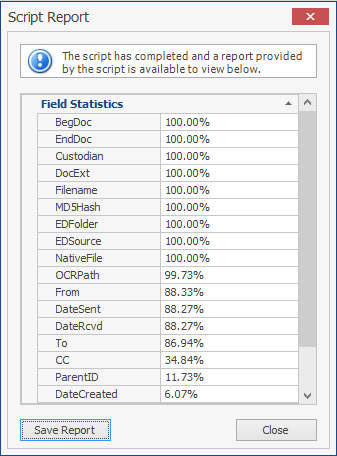
To save a script report
- Run the script.
- On the Script Report dialog box, click Save Report.
- On the Save As dialog box, select the folder location, File name, and Save as type (format) of the report and click Save.