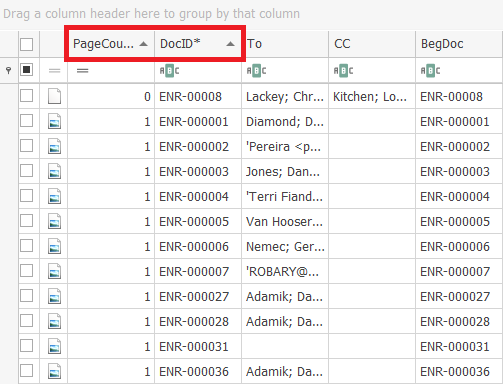
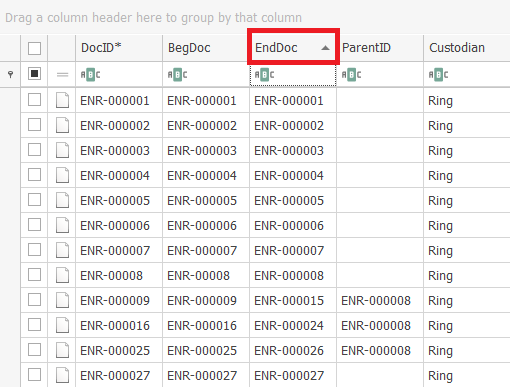
Here is an example of an unsorted list of documents in the Document Grid View.
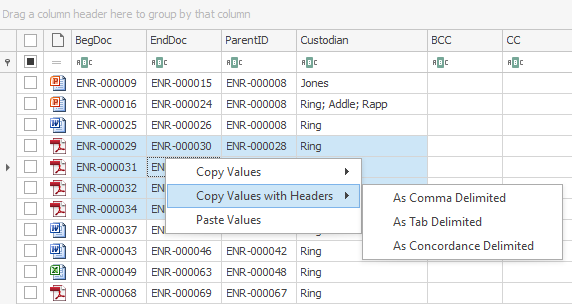
To sort the field order of a column
- Click its column header.
Note: The up arrow in the column indicates the column is sorted in ascending order.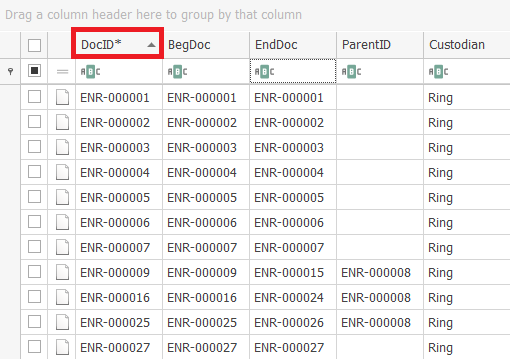
- Click its column header again.
Note: The down arrow in the header indicates the column is sorted in descending order.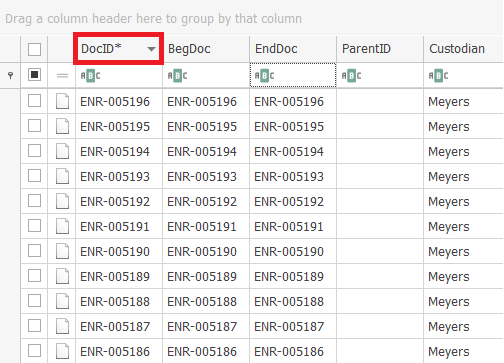
To sort the data by another column
- Click its column header.
To sort by additional columns
- Hold
Shiftand click the column header.
In the following example, the documents are sorted by page count in ascending order, then by DocID by ascending order.