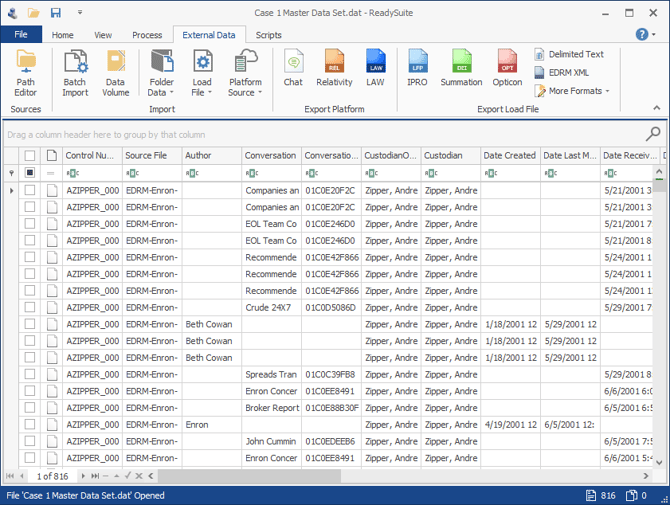
By default, delimited text load files, including Concordance DAT load files, are supported. This feature can be setup up and configured using ReadySuite Options.
To setup Open with ReadySuite
- In the ReadySuite menu bar, click File >Options.
- Click Load Files.
- In the Explorer section, select Enable 'Open with ReadySuite' context menu.
- In the Default file types to ReadySuite list, select any additional files types to open from Windows Explorer.
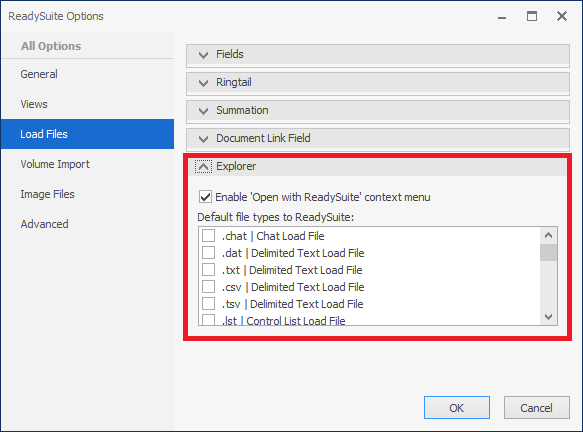
- Click Ok.
To drag image, native, or text files into ReadySuite
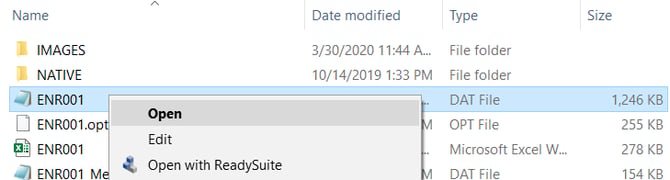
- Using Windows Explorer, browse to the file you want to load
- Right-click the file and select Open With ReadySuite.
- On the Select Import dialog box, select the type of file you want to import.
ReadySuite launches and lists the selected files in the Document Grid View.