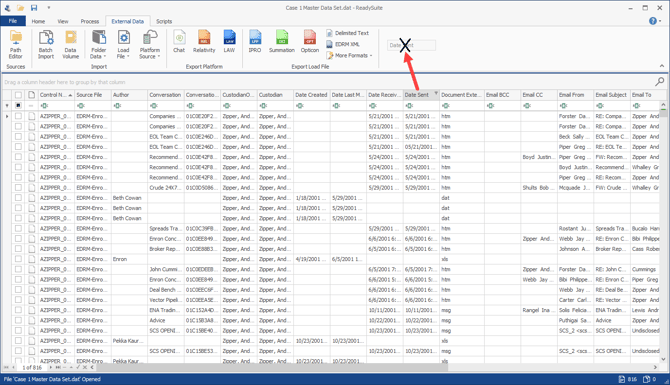
An X indicates the column is removed. While no longer displayed in the Document Grid View, the column's data is still available and can always be redisplayed.
Use Column Chooser to display columns you have removed.
To remove a column
Click and drag its column header outside the Document Grid View (for example, to the ReadySuite ribbon).