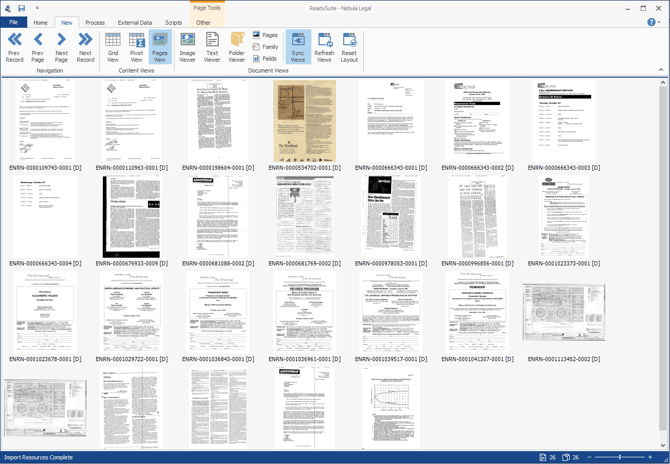
Navigating | Pages View The Pages View displays files as labeled thumbnails. To display the Pages View In the ReadySuite ribbon, click View > Pages View. To change the size of the thumbnails, click the minus (smaller) and plus (larger) icons in the footer.