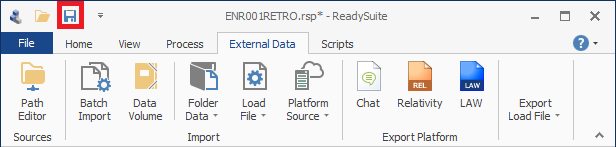
An asterisk (*) in the file heading indicates a pending change to the source file or project; the content of the source data has been changed in ReadySuite. Saving the changes applies the updates to the source file or project.
To save updates
- Do one of the following:
- In the ReadySuite ribbon, click File > Save to save current file or project.
- In the ReadySuite ribbon, click File > Save As to save current file or project with a different name.
- Click the Save icon above the ReadySuite ribbon.