
To display the Data Summary report
- In the ReadySuite ribbon, click Home > Data Summary.
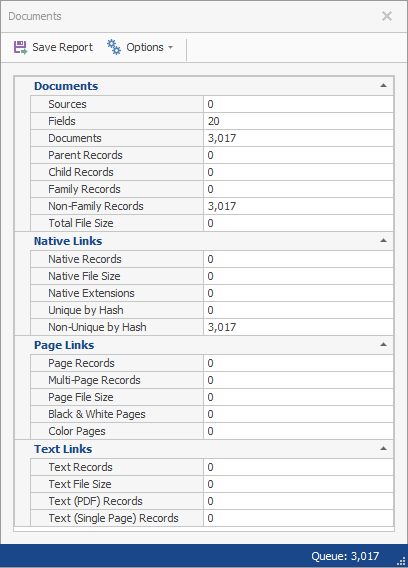
Save Report: Opens the Save As dialog box to save the Data Summary report as either an XLSX or TXT file.
Options: Enables you to:
- Calculate sizes: View the size of the files of data in the Document Grid View, such as Page File Size and Total File Size.
- File Sizes: Select the byte size unit of measurement displayed in the report (byte, kilobyte, megabyte, or smart).