
Selected user groups or entire firms can be unassigned from a repository or matter.
To open the Assignments page
-
In the Nebula menu bar, click the Admin icon
 > Assignments.
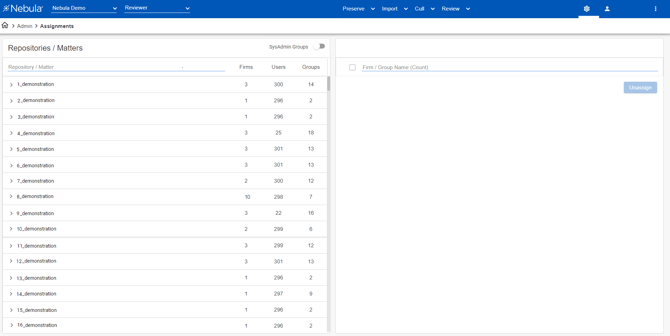
 > Assignments.
To view a repository's assigned firms and user groups
-
On the Assignments page, in the Repositories/Matters list, click a repository to view its assignments.

-
Click a Repository's down arrow to view its matters.
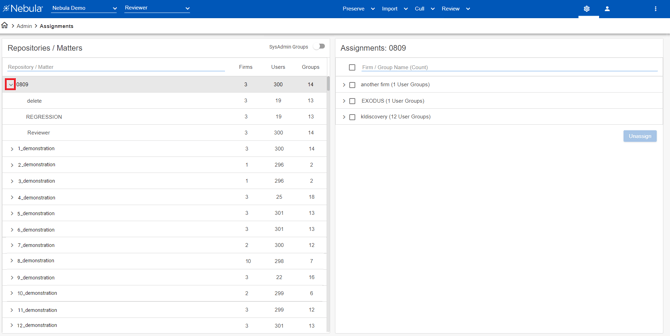
-
In the Repositories/Matters list, click a matter to view its assignments.
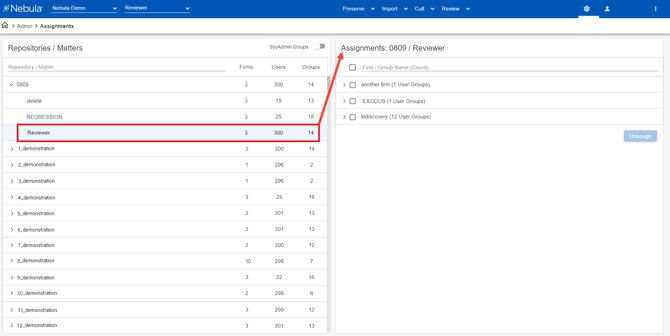
-
In the Assignments list, click a firm's right arrow to view its assigned user group.
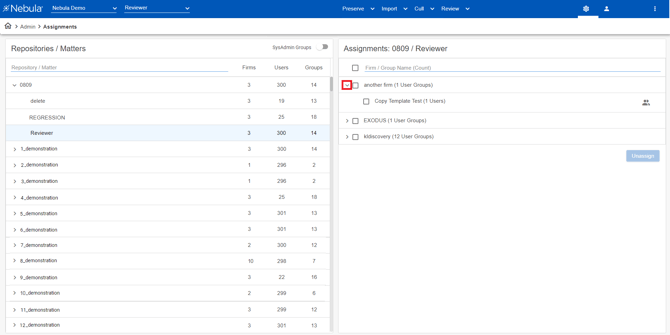
-
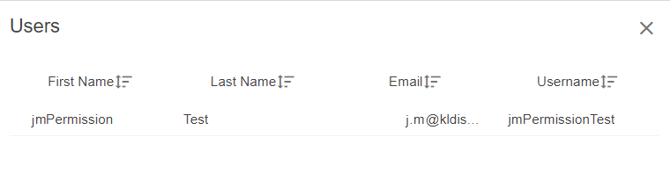
To view the users assigned to a user group. click the Show Users icon .
-
In the Users dialog box, view each user's First Name, Last Name, Email, and Username.

To unassign a firm or user group from a repository or matter
-
On the Assignments page, in the Repositories/Matters list, click the repository or matter you want to work with.
-
In the Assignments list, select the check box of the firm(s) or user group(s) you want to unassign. (Selecting a firm will select all its user groups).
-
Click Unassign.
-
On the Warning dialog box, click Unassign.