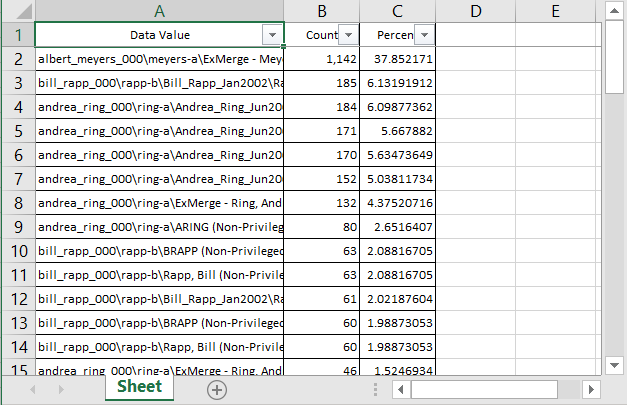
With the Tally Documents dialog box, you can view metrics of the fields in a column (such as document count) of the Document Grid View.
To tally the documents in a Document Grid View column
- Do one of the following:
- Click Home > Column Tally, then select the column you want to work with in the Select Field drop list.
- Right-click the column you want to work with and select Tally Column.
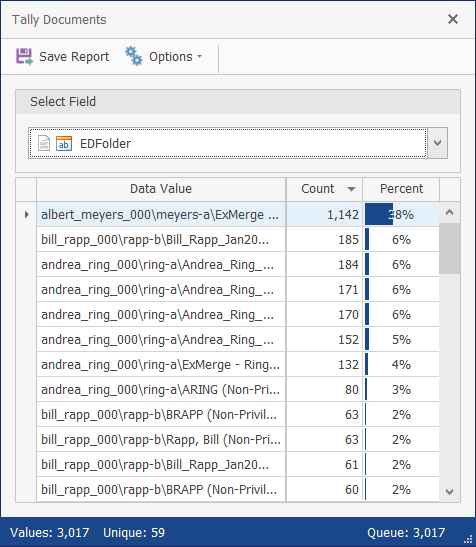
To hide or display the System Fields or Percent Column, click Options.
To generate an XLXS or CVS report of the document tally, click Save Report.