
To filter a column
- Hover over the column header and click its Filter icon
 .
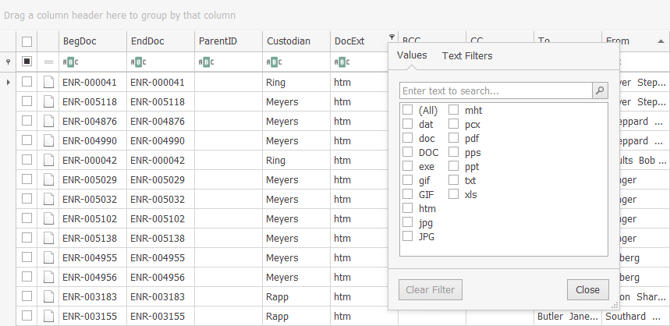
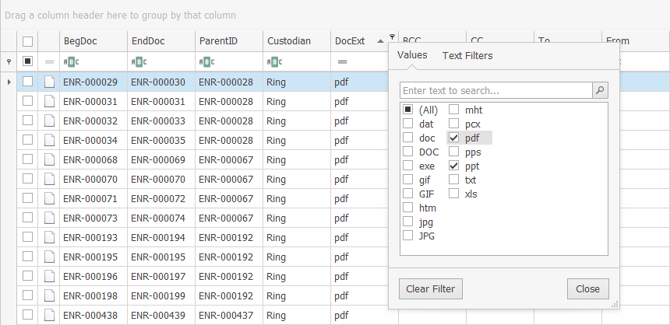
- In the Values tab, select the fields you want to view in the Document Grid View.
Note: For multi-choice fields, select from the unique field choices (not all variations of choice).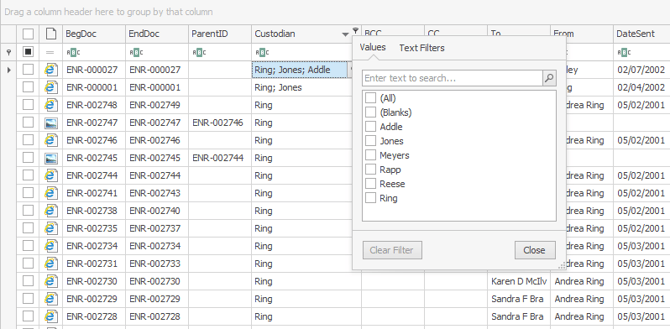
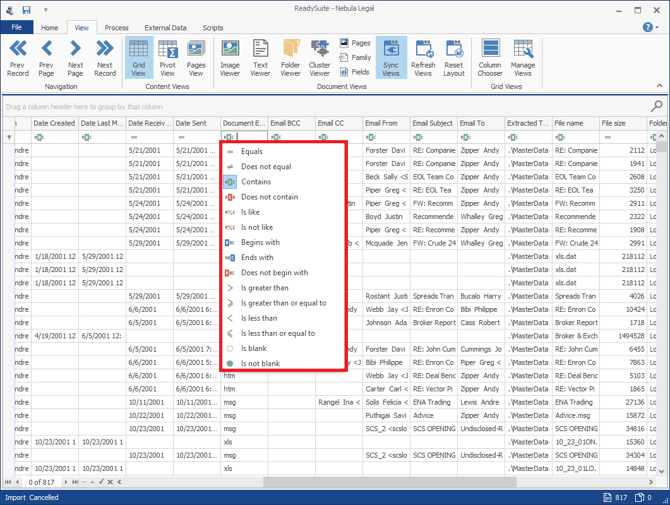
To create more complex filters, click Text Filters, select the search criteria and enter the value for searching.
To search for empty fields, selectIs Blank.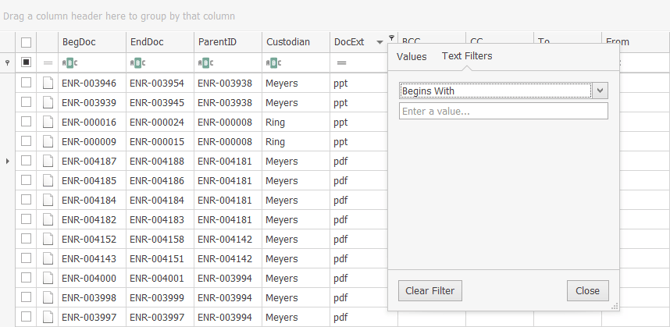
To apply logical operators from the filter row, click the current logical operator in use and select the new one, then type the criteria.
Note: Contains with an empty value is the default logical operator so that all fields are initially displayed in the column.
- Click Close.
Note: The blue filter in the column heading indicates the document list is filtered.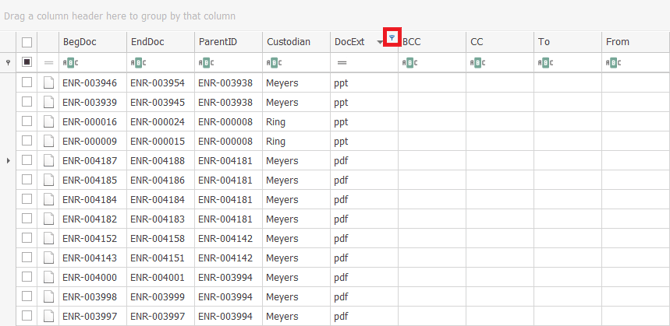
The Filter icon appears in the status bar and the selection criteria is displayed.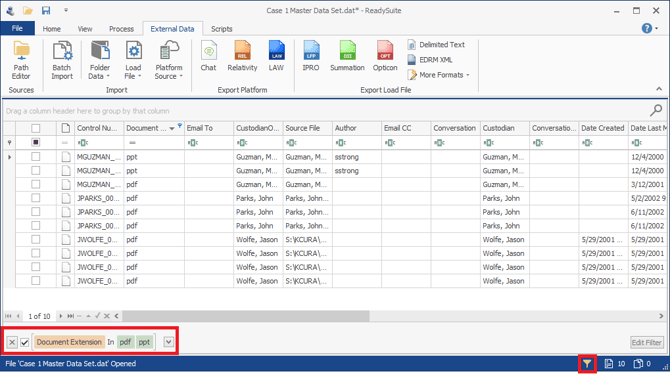
 .

To filter based on the contents of a field
- In the Document Grid View, locate the field whose contents you want to use as a filter.
- Right-click the field and select Filter Value. (Select Excluding Value to remove files matching the contents of the field.
ReadySuite filters the contents of the Document Grid View based on contents of the field used to filter.
Example
Using Filter Value reduces the files listed to only those with a single page count.

Using Filter Value reduces the files listed to only those with a single page count.

To view all documents
- Do one of the following:
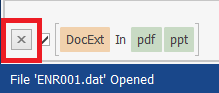
- Click Clear Filter or select (All), then click Close.
- You can also click X clear in the filter display above the status bar.
To remove all applied filters
- Right-click anywhere in the Document Grid View and select Remove All Filters.