
Uninstalling a license removes a license from its current machine and resets it for activation on a new machine, provided both machines are online.
Note: You can move a license once without involving ReadySuite Support. Attempting to uninstall a license more than once will result in an error message.
To uninstall a license
- In the ReadySuite ribbon, click File > License.
- On the License Manger dialog box, do one of the following:
- Click Manage License > Modify.
- Right-click the license you want modified and select Modify.
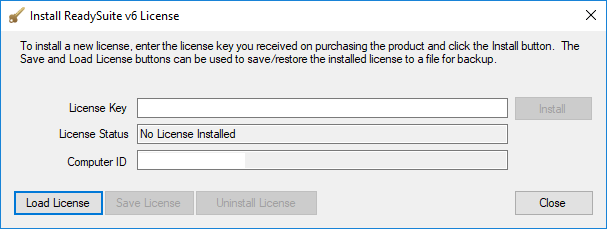
- On the Install Network License dialog box, click Uninstall License.
- On the Confirm License Uninstall dialog box, click Yes.
If this license has been uninstalled more than once, the following Deauthentication Error message appears:
