
The column chooser enables you to select the columns displayed in the Document Grid View.
To open the column chooser
- Do one of the following:
- Click View > Column Chooser.
- Right-click column header and select Column Chooser.
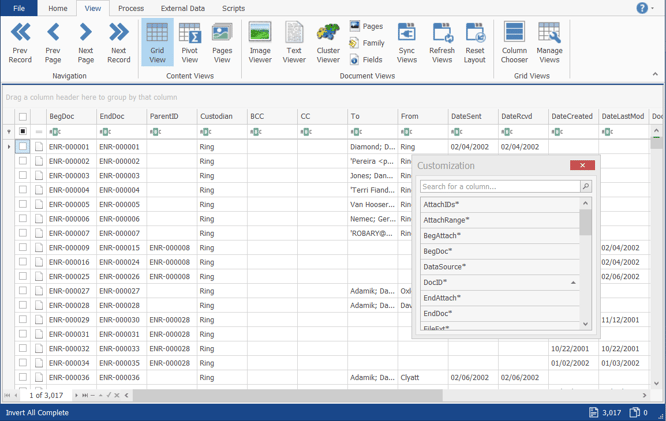
- To locate columns in the Customization list, scroll or use Search for a column....
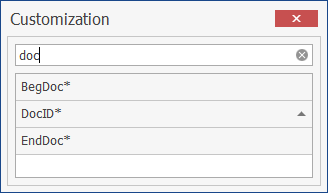
Note: An asterisk (*) indicates the column is internal to ReadySuite is a system-level field and is read-only. No asterisk indicates the column is user created and/or was imported from a load file. - In the Customization dialog box, double-click or drag a column Id from the Customization list to add it to the Document Grid View.
