
Use the Setup Load Files dialog box to specify:
- Custom export delimiter and qualifier characters.
- If page records should be exported with documents.
- The fields for export.
To export documents
- On the Export Setup page of the Export Documents wizard, select the type of Load Files you want to create.
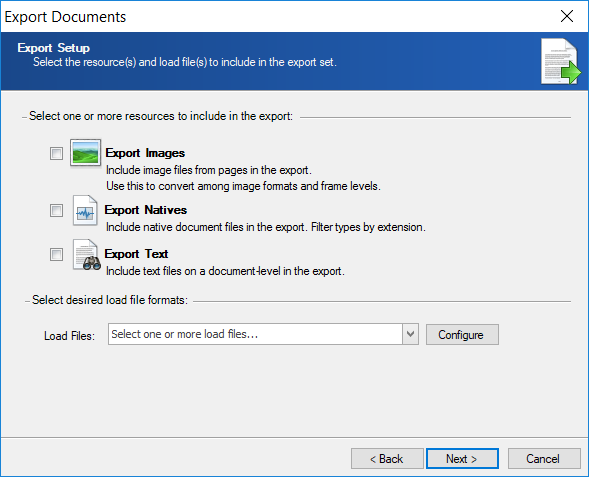
- Click Configure.
- On the Setup Load Files, select the load files you to setup for export
Concordance

Control List

Delimited Text

EDRM XML

IPRO

LAW

Opticon

Ringtail

Summation

Trial Director

XERA
